
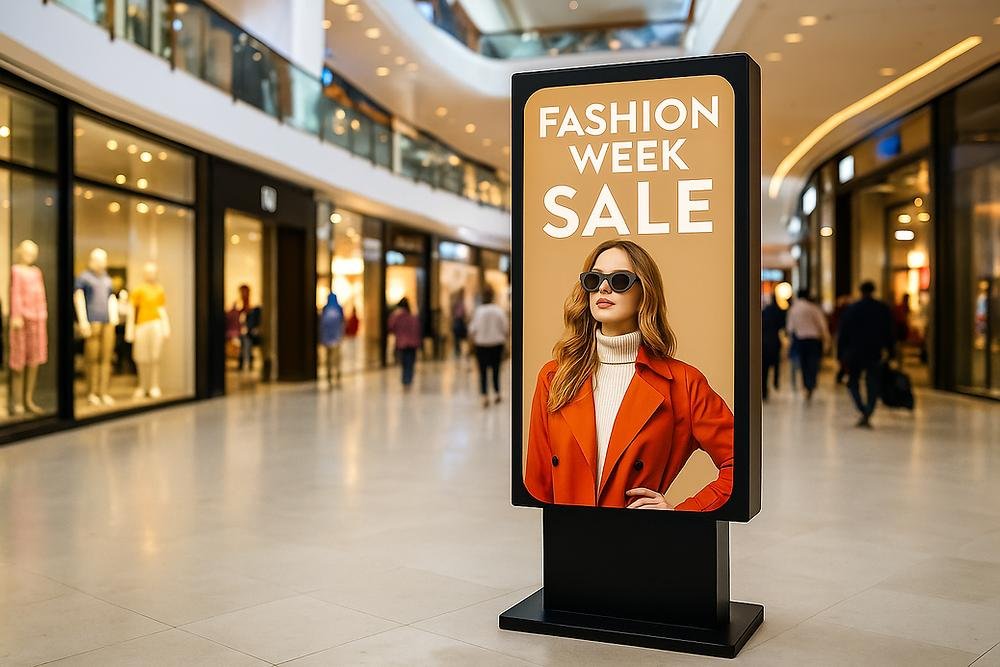
Advertising Totems
Freestanding portrait displays for promotions, campaigns, announcements and brand communication.
43”–65”4K displayNon-touch
Freestanding touch and non-touch digital kiosks for self-service, ordering, directories, wayfinding, check-in and advertising across the UAE.
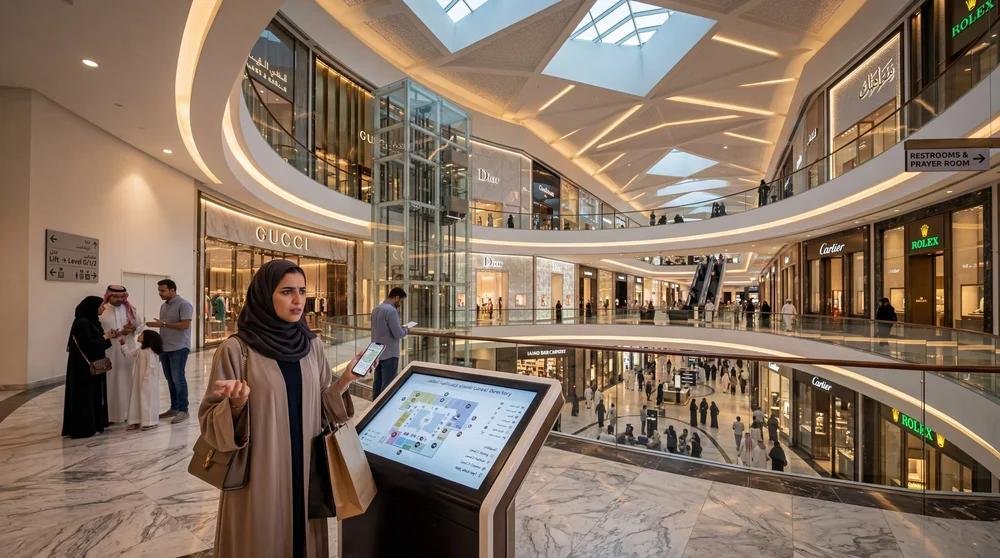
Digital kiosks and totems combine professional displays, robust enclosures and optional touch interaction into a freestanding solution for customer-facing environments. They can be configured for information, ordering, check-in, wayfinding, advertising or other self-service workflows.
From advertising to self-service and wayfinding, we match the screen, enclosure, touch technology and integrations to the customer journey.
Freestanding portrait displays for promotions, campaigns, announcements and brand communication.
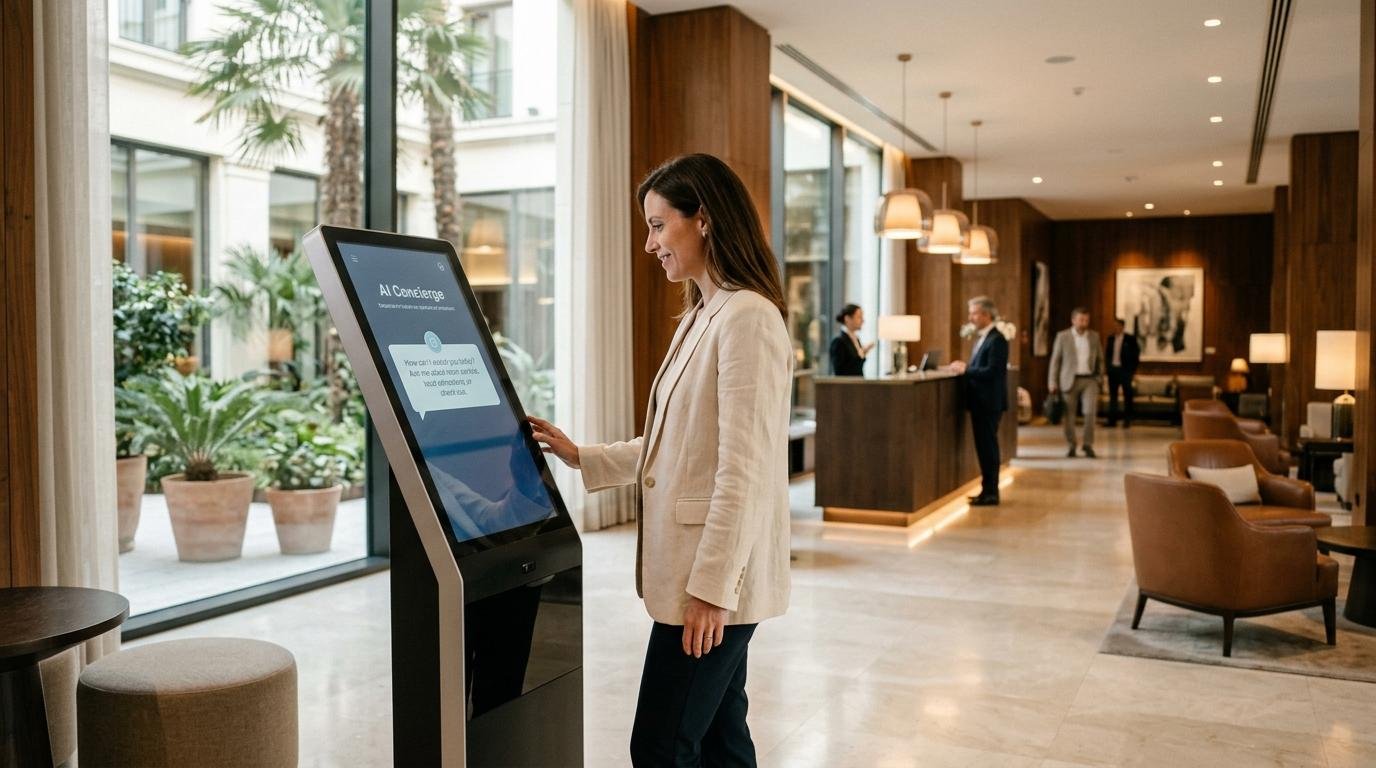
Touch-enabled kiosks for directories, product browsing, registration, information and interactive experiences.
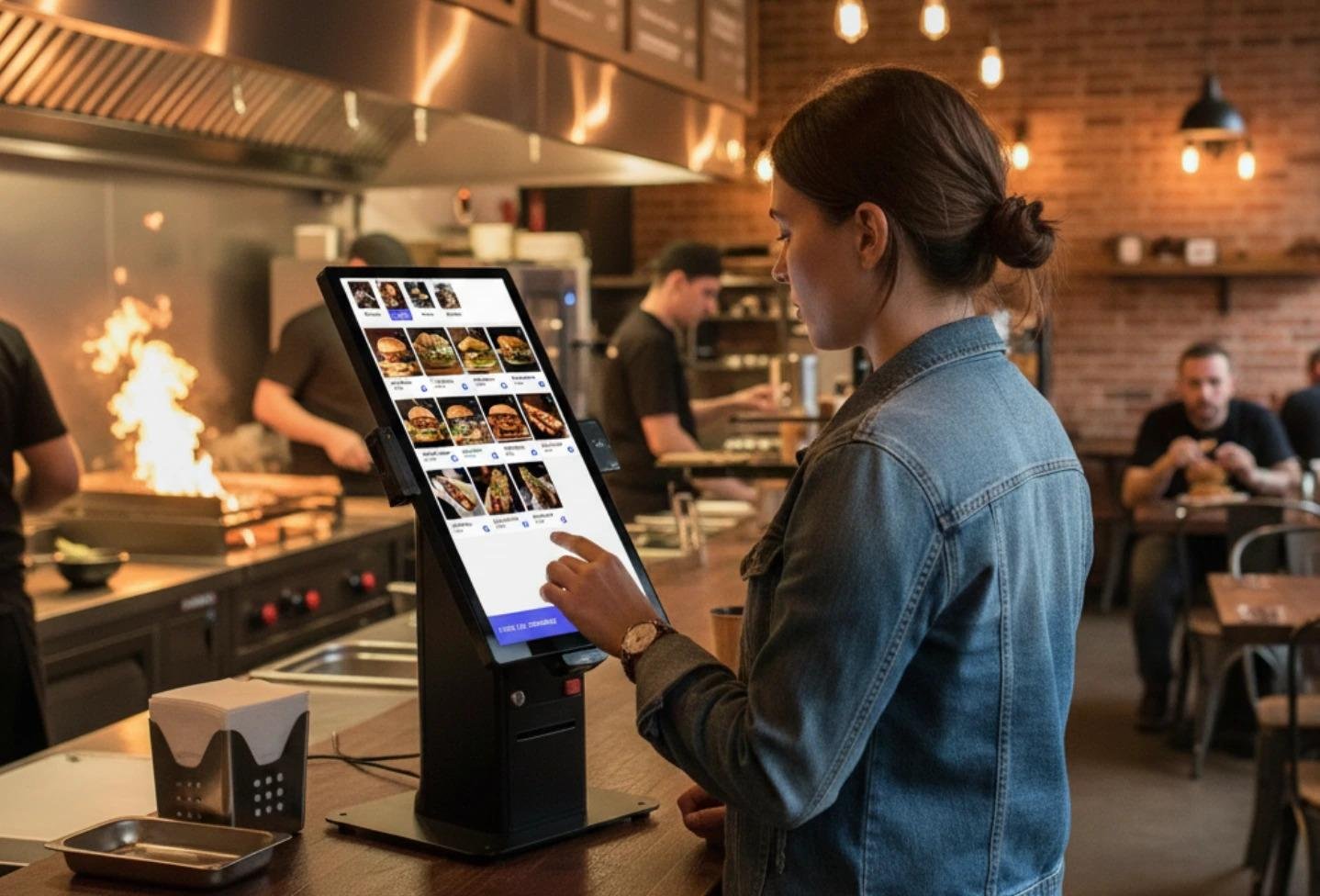
Customer-facing ordering kiosks for restaurants, cafés, QSR and retail self-service workflows.
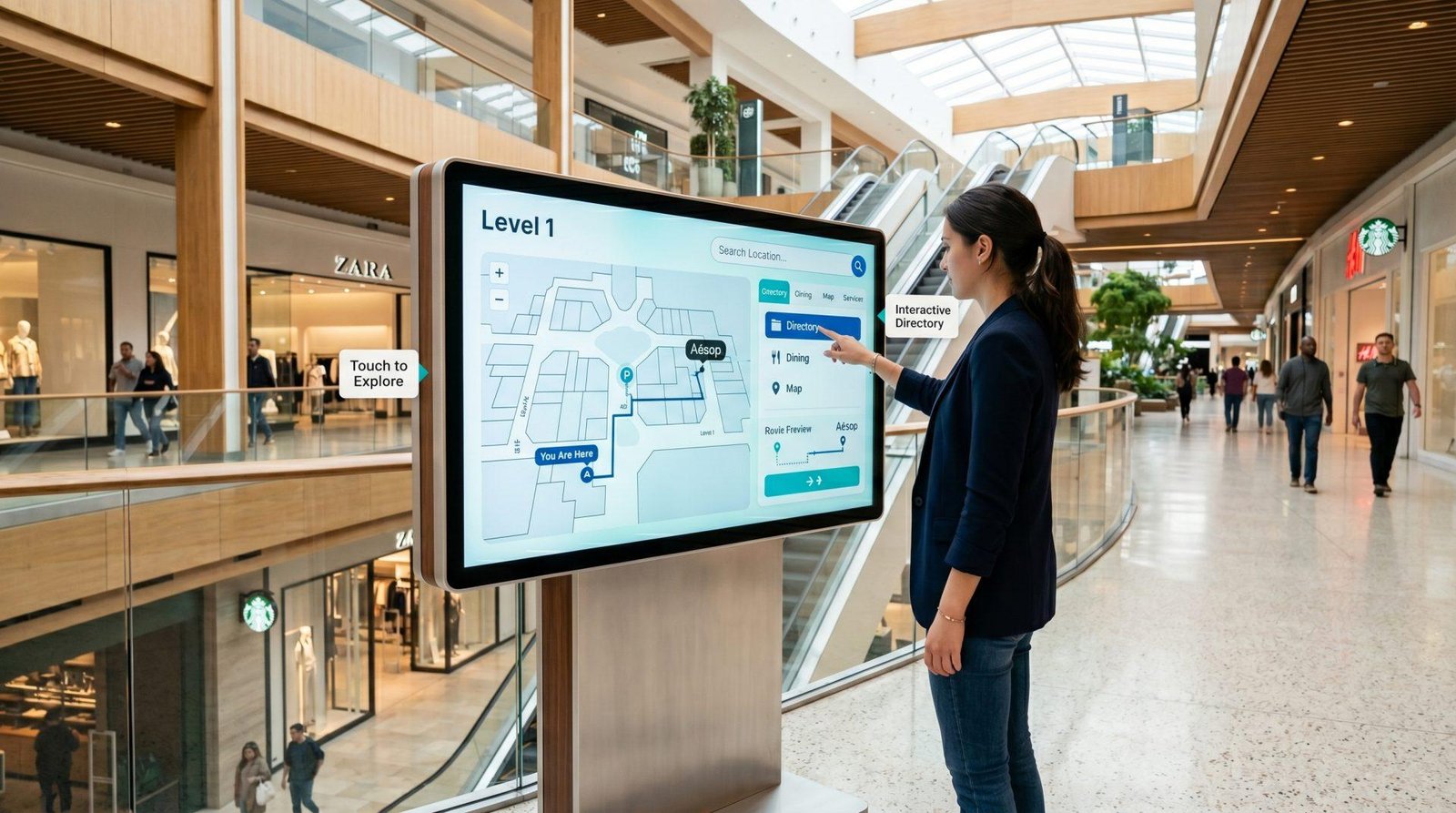
Interactive directories and wayfinding to help visitors navigate malls, hospitals, offices, campuses and public spaces.
We configure every kiosk around user flow, interaction method, screen size, enclosure design, software, connectivity and required peripherals.
Product discovery, promotions, loyalty registration, directories and self-service assistance.
Visitor check-in, directories, room information and self-service reception workflows.
Self check-in, concierge information, hotel directories and event guidance.
Self-service ordering, queue reduction, upselling and payment-enabled customer journeys.
Patient registration, wayfinding, queue information and self-service check-in.
Information access, ticketing, directories, forms and public self-service applications.
The right kiosk depends on touch requirements, screen size, enclosure, software, peripherals, accessibility and the environment where customers will use it.
Choose capacitive or infrared touch based on the interaction style and environment.
Select a portrait screen size that balances visibility, reach and available floor space.
Use durable freestanding enclosures with custom colours, graphics and branding.
Connect the kiosk to your website, application, CMS or dedicated self-service software.
Add printers, barcode scanners, cameras, NFC, payment terminals or other devices where required.
Plan network access, power, remote management, deployment and after-sales support.
These are practical starting points. Final hardware depends on the software, user flow, required integrations, screen size and enclosure design.
| Application | Recommended kiosk | Typical use |
|---|---|---|
| Advertising / information | Non-touch portrait totem | Promotions / announcements |
| Wayfinding / directory | Touch kiosk | Non-touch |
| Self-service ordering | Touch kiosk | Non-touch |
| Check-in / registration | Touch kiosk + peripherals | Forms / tickets / visitor flow |
| Transaction / payment | Integrated self-service kiosk | Ordering / payment / ticketing |
We review the user journey, placement, power, network, software, accessibility and required peripherals.
We specify screen size, touch type, enclosure, internal hardware, software and integrations.
Kiosk enclosure, commercial display, player or PC and any required peripherals.
Assembly, software setup, peripheral integration, connectivity and on-site commissioning.
Testing, handover, user guidance and ongoing technical support.
A digital totem is usually a freestanding display used for advertising or information, while an interactive kiosk adds touch and may include software or peripherals for self-service tasks.
Yes, when you select a model rated for 24/7 operation. Other commercial displays are rated for Promotions / announcements use, so we match the duty cycle to your actual operating hours.
Yes. Kiosks can be configured to run websites, web apps, dedicated software or CMS platforms, depending on your workflow and integration requirements.
Yes. Depending on the kiosk design, we can plan for peripherals such as printers, barcode scanners, cameras, NFC readers and payment terminals.
Yes. We can standardise kiosk hardware, software configuration, branding and deployment across multiple branches in the UAE.
Share the use case, quantity, screen size, touch requirement, software and any peripherals you need. Our team will recommend a suitable kiosk configuration and project pricing.